One account everywhere
Sign in from our website, a mobile browser, the Android APK or the iPhone PWA with the same details.
Sign in to your Here2Win account
One account, one NZD balance and the same lobby on desktop, mobile browser, Android APK and iPhone PWA.
Sign-in at a glance
One account everywhere
Sign in from our website, a mobile browser, the Android APK or the iPhone PWA with the same details.
Checks before withdrawals
We may ask for a passport or New Zealand driver licence and a proof of address before your first withdrawal.
Same balance on your phone
Your NZD balance, bonuses and game lobby carry over to every device you sign in on.
Keeping your account safe
What to do
What to avoid
One Here2Win account works across the desktop browser, the mobile browser, our Android APK and the iPhone PWA, all sharing a single NZD balance.
| Device | How you reach your account |
|---|---|
| Desktop | Our website in any browser |
| Phone browser | Our website in your mobile browser |
| Android | The APK installed from our website |
| iPhone | The PWA added through the browser |
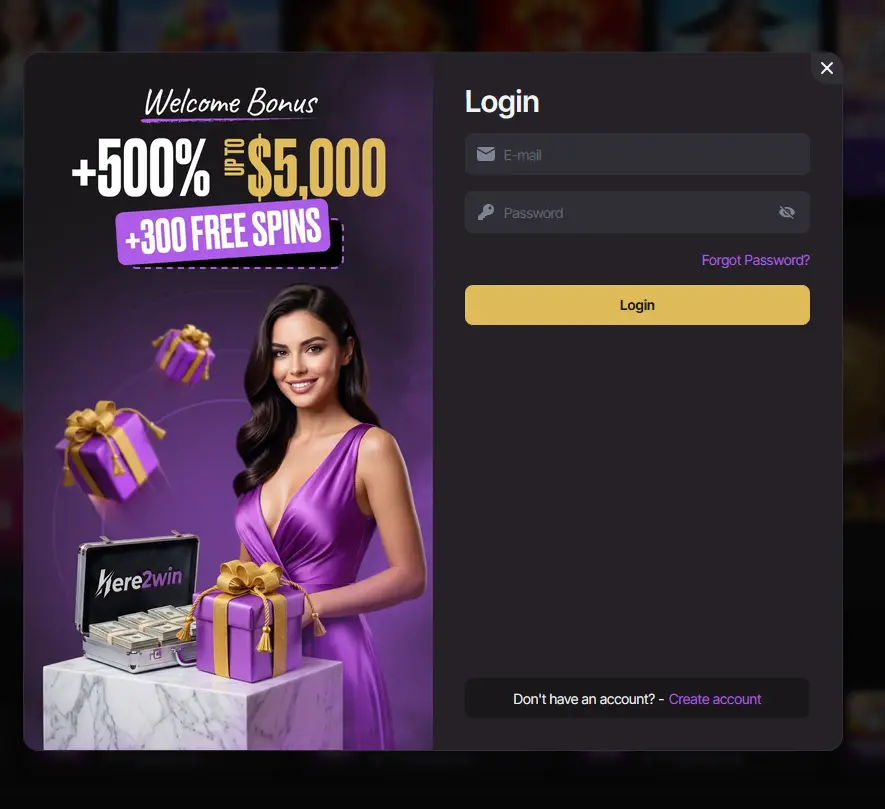
Sign-in security at Here2Win combines your own credentials with identity checks that we commonly run before a first withdrawal, after unusual account activity or when compliance procedures require it.
For identity we accept a passport or a New Zealand driver licence, and for proof of address a power bill, a broadband bill or a bank statement. We may also ask for proof that you own the payment method you deposit with, such as a Visa or Mastercard. Verification typically takes from several hours up to 1 to 3 business days.
Signing in follows the same route everywhere: open Here2Win, enter the details you registered with and confirm.
Open our website in your browser, press the login button and enter your account details. Once you are in, your NZD balance and cashier are available straight away.
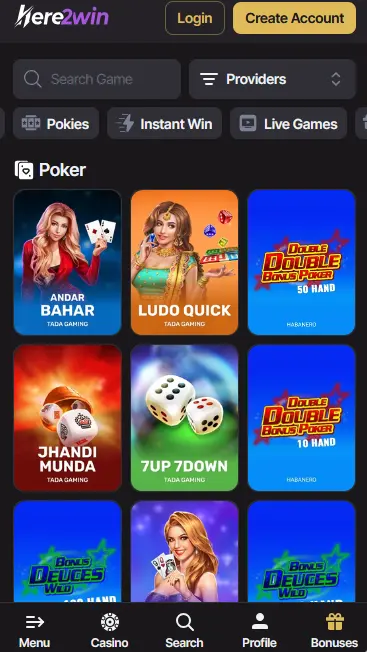
Open our website in the browser on your phone, press the login button and enter the same details. The lobby adapts to the smaller screen.
Open the Android APK or the iPhone PWA from your home screen, then enter your account details. You stay on the same account, so nothing needs to be set up again.
Most access problems come down to mistyped details, an outdated browser or a copy of the site that is not ours, and each has a quick fix.
Check that the email and password are typed exactly as registered and that caps lock is off. If you have forgotten the password, use the forgotten password option on the sign-in form. Make sure you are on our official website, and refresh your browser or restart the app if the page does not load. If you are still locked out, our live chat is open 24/7 and you can also write to [email protected], where replies normally arrive within 24 hours.
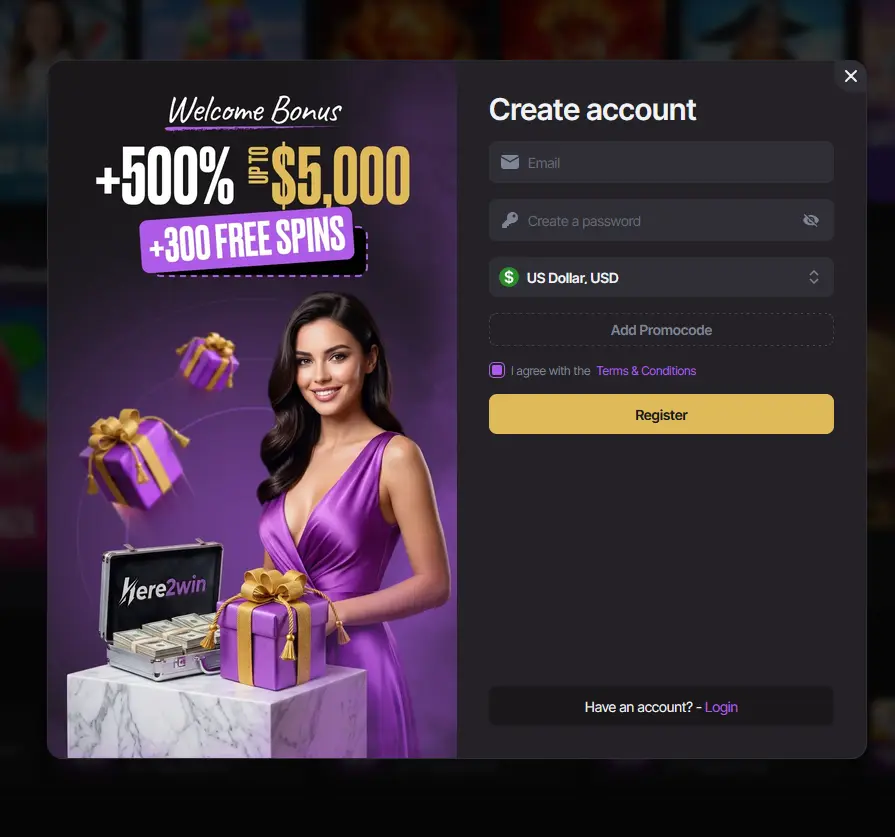
You can register on our website in a few details, and you must be 18 or older. New players are eligible for the welcome pack of 150% up to $1,500 plus 100 free spins, explained in our bonus terms. 18+ only, terms apply.
Sign-in questions
Use the forgotten password option on the sign-in form, and if that does not solve it, our live chat is open 24/7 and [email protected] replies normally within 24 hours.
Yes, the iPhone PWA, the Android APK, the mobile browser and the desktop site all use the same account details and the same NZD balance.
Possibly, as documents are commonly requested before a first withdrawal, and a passport or New Zealand driver licence plus a power bill or bank statement is the usual combination.
Sign in and pick up where you left off
Open with 150% up to $1,500 and 100 free spins on your first deposit.
Enter The Lobby Gambling can become addictive. You must be 18 or older, and the bonus terms apply.